


CAMERA SETTINGS INSTRUCTION FOR FIREWORK PHOTOGRAPHY
TRIPOD USERS
• Use camera Manual mode.
• Switch off Image Stabilisation
• Adopt Manual Focus.
• Focus on a suitable point that either gives a feature such as a building, tree , pier etc if possible. If not focus to a distance (probably towards infinity) where you would expect the centre of the fireworks displayed to be.
• Set shutter speed in the range of 1 – 5 seconds. This will give a star burst type effect which can look attractive. You should aim to hit the shutter release just as the firework is ignited if possible for a fuller effect, rather than when it has reached it’s natural height.
• Set Aperture in the range F8 to F11 for a reasonable depth of field.
• Use a remote shutter release if possible.
• Set ISO around 100 -200
• Ideally take images in RAW. If not suggest use either Daylight to lock in a White Balance for the evening or a Kelvin level of around 5000
HAND HELD USERS
• Use camera Manual mode
• Switch on Image Stabilisation
• Adopt Manual Focus
• Focus as in Tripod mode above
• Set shutter mode around 1/30 – 1/50. You will need to hit shutter release at around the high point in that particular firework effect.
• Set Aperture as wide as possible. If you can get down to around F2.8 or F4 so much the better. You will lose on depth of field but gain on less noise. It is a bit of a balance though but Denoise software introduces some flexibility
• Set ISO to a large or very large number. This is a bit trial and error for first few images. Whilst you might be tempted to use Auto ISO there is a risk to be aware of. You want a dark sky but the right sort of exposure for the lights. Different fireworks light up the sky to different amounts which will cause differing exposure calculations. However equally recognise that as the evening gets later it will get darker so ISO and other settings will need to be tweaked.
• Take same approach as above in regard to White Balance Setting.
Finally check your settings after you have taken one or two images and thoughout the event as they are likely to need to be tweaked. The above guidance is approximate and can vary according to light levels, camera equipment used etc.
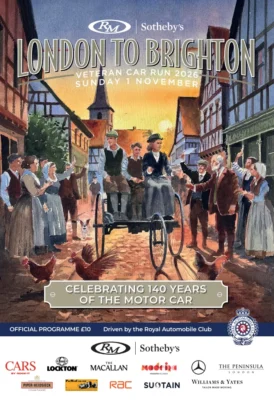
LONDON to BRIGHTON VETERAN CAR RUN
The annual vintage car run from London to Brighton takes place on Sunday 1st November 2026, with the first vehicles expected to arrive at Madeira Drive about 10am.
ARUNDEL TRACTOR RUN
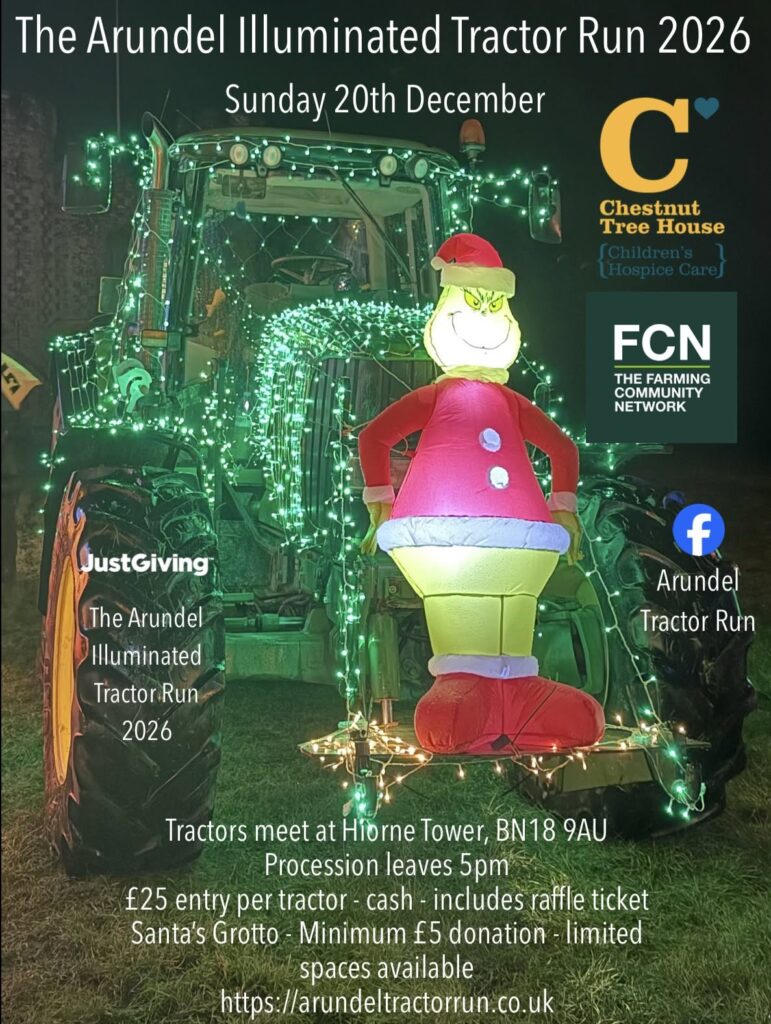
The Arundel Tractor run will commence from Hiorne Tower, Arundel on Sunday 20th December 2026 at 5pm and will proceed through the local area including Patching, Angmering, Rustington and Littlehampton.
Visit https://arundeltractorrun.co.uk for further details of the route.
SOUTHWICK COMMUNITY CENTRE
Some events coming up at the Southwick Community Centre include:-
29th August 2026 – Summer Fair
29th November 2026 – Christmas Fayre
Further information on the website https://southwickcommunitycentre.org.uk/
PLEASE NOTE that Southwick Camera Club does not have any involvement or endorse the above in any way.
HELPFULL INFORMATION:
USEFUL PRINTING TIPS FROM FOTOSPEED PAPERS
- Screen Brightness
If your monitor is set to full brightness, try turning it down and reopening one of your images. You’ll often notice it suddenly looks darker than you expected which is much closer to how it will appear in print. You can then adjust your screen to better match the print. Ideally, the best solution is to use a screen calibrator, which properly adjusts both colour and brightness for accurate, consistent results.
- Edit in consistent lighting
Editing in a dark room one night and bright daylight the next will change how your images look to your eyes. Try to edit in similar lighting conditions each time so your judgement stays consistent. - Use soft proofing
Soft proofing lets you preview how your image will look on a specific paper before you print it, directly on your screen. When you turn soft proofing on, your editing software simulates how that paper and printer combination will reproduce your colours, contrast, and brightness. Because paper can’t display light the way a screen does, images often appear darker or less vibrant in print and soft proofing helps you see those changes in advance. Watch our Soft Proofing video here. - Lift the mid-tones slightly for print
A subtle lift to mid-tones or shadows (not highlights) often makes prints feel more natural and closer to what you see on screen. Even with careful soft proofing, there’s no substitute for seeing a real print in your hands. Creating a small contact sheet or test print with a few image variations (slightly lighter, slightly darker) is a simple form of hard proofing and it’s one of the most reliable ways to dial in your final look.
By comparing these small prints under good lighting, you can quickly see how your adjustments translate to paper and make confident tweaks before committing to a full-size print. This extra step can save ink, paper, and a lot of second-guessing.
Printing is a different medium to screens, and once you start editing with print in mind, your results will improve quickly. The goal isn’t to make your screen “perfect” – it’s to make your final print look how you imagined.
You can find out more about this subject and lots of others on either both our Blog page and our YouTube channel.
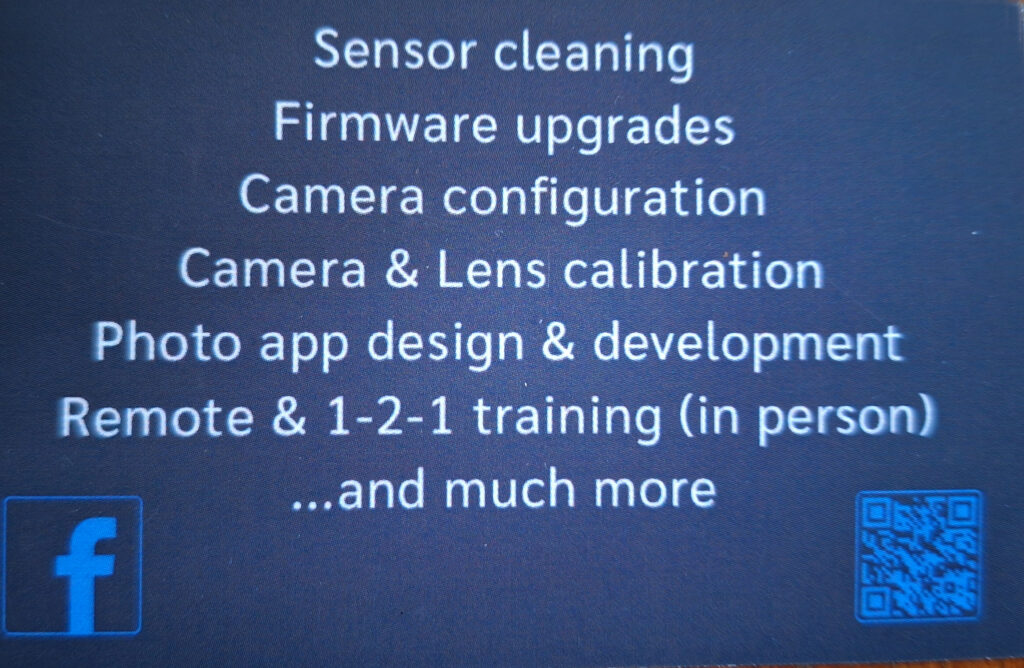
Cameracal is based in Burgess Hill
THE CLUB HAS THE FOLLOWING ITEMS FOR MEMBERS TO USE.
STUDIO LIGHTS: hire fee a refundable deposit of £25, useful for table top or home model photography
LINKS
Here are a few links to photographic related websites, which may be of interest.
Surrey Photographic Association (SPA)
The Royal Photographic Society
Southwick Camera Club Flickr Group